
Star Trek Online Enterprise J: Ship and Build Guide
Explore the Star Trek Online Enterprise J, its Universe-class cruiser stats, hangar pets, special abilities, and practical tips for handling its huge hull.
Jump to
What Is the Enterprise-J in Star Trek Online?
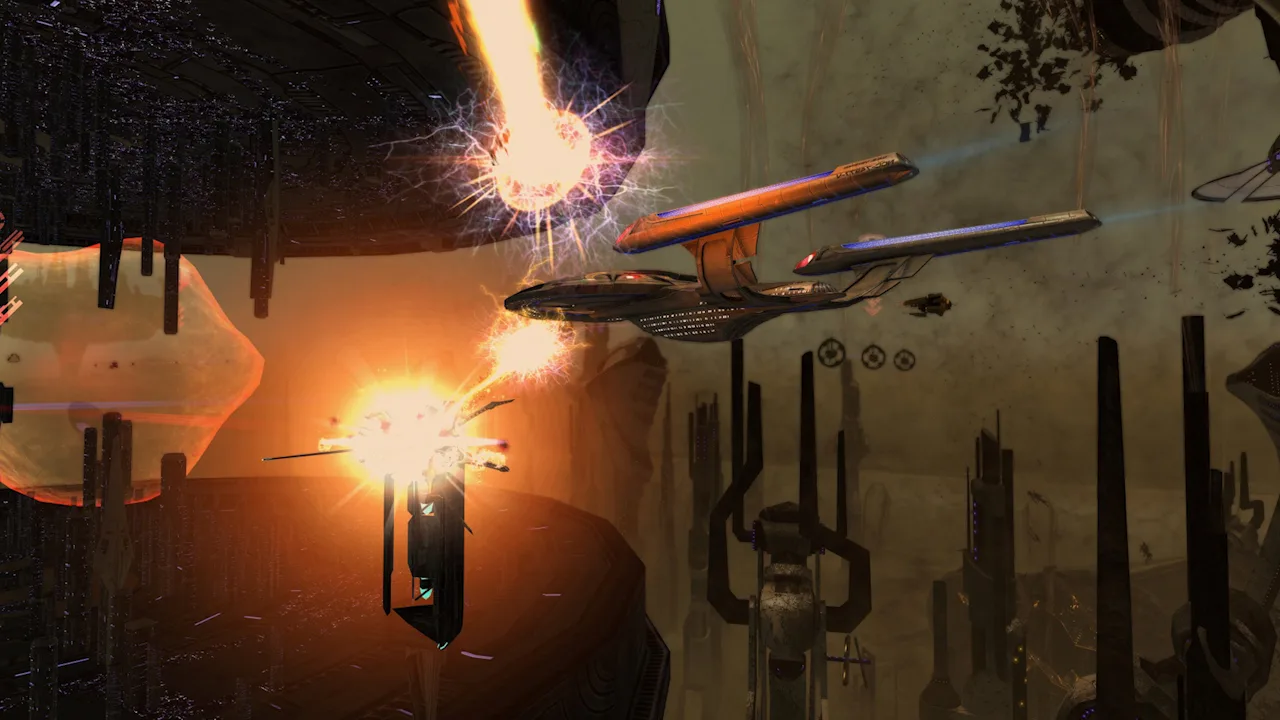
The Star Trek Online Enterprise J puts you behind the controls of the Universe Temporal Heavy Dreadnought Cruiser, a Tier 6 starship with two hangar bays and an enormous silhouette. Its appeal goes beyond commanding a famous Enterprise: you get frigate support, temporal abilities, and a durable cruiser platform. The challenge is keeping your weapons on target while moving all that ship.
The U.S.S. Enterprise-J, registry NCC-1701-J, is a 26th-century Starfleet vessel commanded by Captain Dax. The playable Universe-class cruiser brings that design into your own fleet.
Its appearance traces back to Star Trek: Enterprise and the episode “Azati Prime.” The broad oval saucer, sweeping central structure, and thin nacelle pylons give it a distinctly futuristic profile—and explain the “pizza cutter” nickname.
Official page: Star Trek Online (playstartrekonline.com)
How to Get the Universe-Class Cruiser
Search for Universe Temporal Heavy Dreadnought Cruiser when reviewing ship rewards. Acquisition routes include the Temporal Heavy Dreadnought Cruiser Tier 6 pack, the Special Requisition Pack for a 26th-century heavy dreadnought, and the Tier 6 Promotional Ship Choice Pack.
 Image: Steam / Cryptic Studios
Inspect the ship selection list before buying or opening a pack. Use the full playable ship name to distinguish the Universe from other temporal vessels and other ships bearing the Enterprise name.
Ship Stats and Bridge Officer Options
The Universe combines an eight-weapon cruiser layout with two hangar bays. Its base turn rate is the number to pay attention to before planning a loadout.
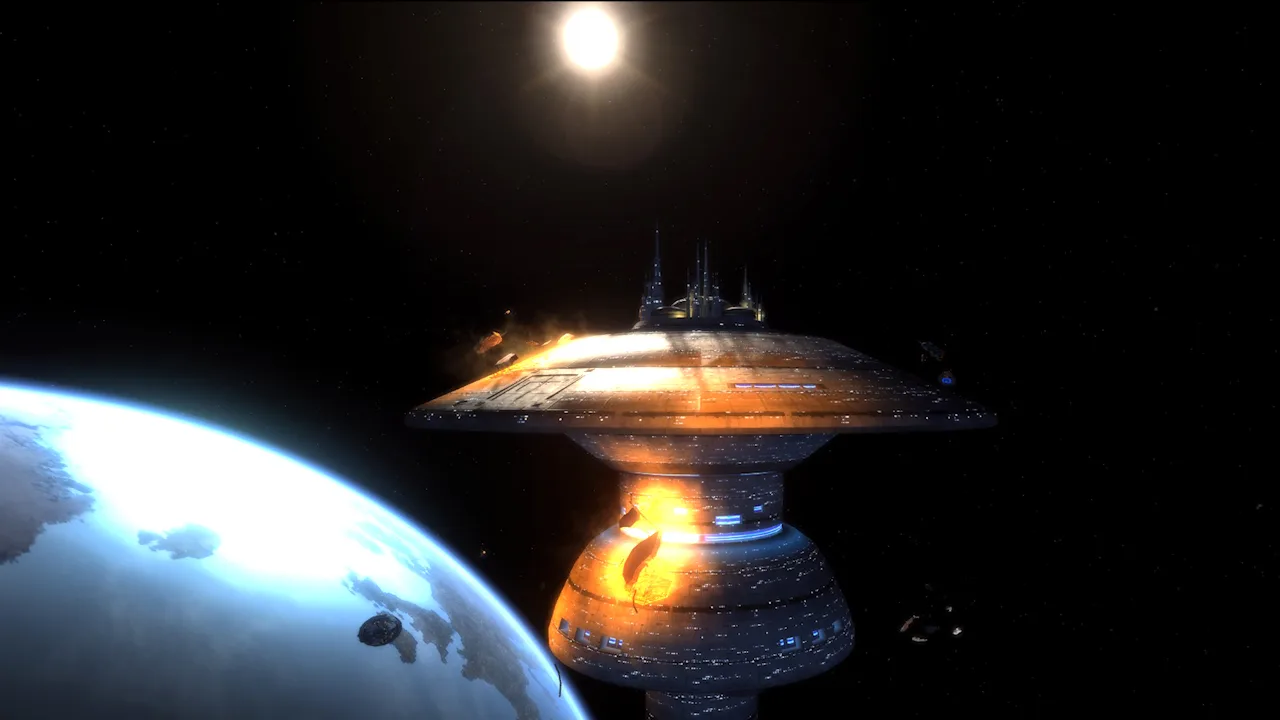 Image: Steam / Cryptic Studios
| Base attribute | Value |
|---|---|
| Tier | 6 |
| Hull modifier | 1.55 |
| Forward weapons | 4 |
| Aft weapons | 4 |
| Tactical console slots | 4 |
| Engineering console slots | 4 |
| Science console slots | 3 |
| Hangar bays | 2 |
| Base turn rate | 5 |
| Power bonus | +5 to all power levels |
These are the base layout figures. Equipped gear, skills, specializations, and Endeavor bonuses affect the resulting combat stats and handling.
The Commander Engineering/Temporal Operative station provides engineering and temporal ability options, while Command seating adds another specialization choice. Build around the abilities your stations can actually support before filling console slots.
The hull modifier supports a durable setup, but durability has limits. Keep healing and defensive abilities accessible instead of relying entirely on the ship’s size or its Repair Mode trait.
Building Around Beams and Cestus Frigates
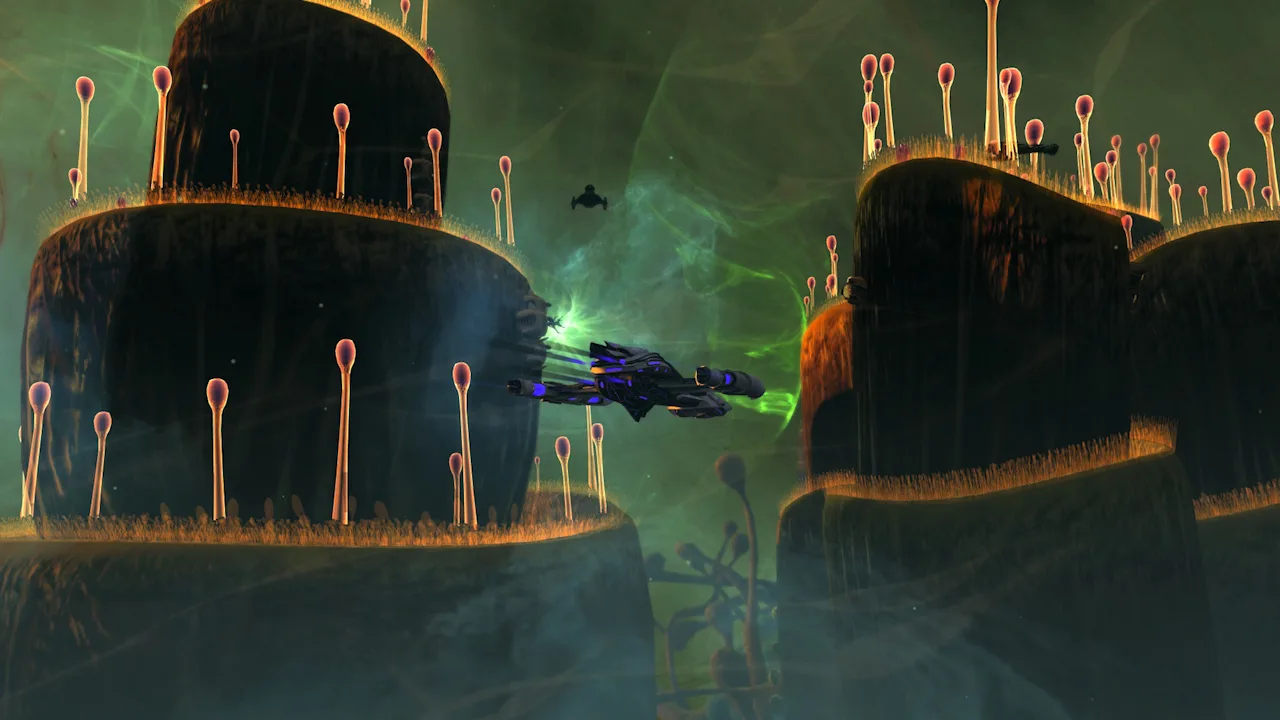 Image: Steam / Cryptic Studios
Favor Broad Firing Arcs
Beam arrays suit the Universe’s slow turning because they let you fight while presenting your side to an enemy. Narrow forward firing arcs demand more frequent course corrections.
Start with these priorities:
- Use beam arrays for broadside coverage. Keep enemies beside the ship rather than repeatedly turning toward them.
- Choose a consistent energy type. A phaser setup also matches the weapons carried by the Cestus frigates.
- Use Beam: Fire at Will for multi-target beam attacks.
- Consider a wide-angle Quantum torpedo. Its wider firing coverage helps when your target sits off the bow.
- Add turn-rate support. The ship’s low base turn rate makes handling improvements useful throughout combat.
The Gravitic Lance deals radiation damage, so phaser damage bonuses are not a substitute for supporting the lance’s damage type. Keep that distinction in mind when deciding whether to build around your regular weapons or invest further in the special attack.
Keep Both Hangar Bays Working
The cruiser comes with Cestus frigates, with up to four deployed across its two hangar bays. Their equipment includes phaser weapons and Quantum torpedoes, and they bring their own combat abilities.
Launch them before committing to a fight. Use the carrier commands—Attack, Escort, Intercept, and Recall—to direct them as the encounter changes.
Watch their health alongside your own. The pets provide another source of damage while you maneuver the cruiser into position, but leaving them unmanaged wastes part of the ship’s kit.
Special Abilities and Their Tradeoffs
Energy Distributor Accelerator
The Energy Distributor Accelerator console provides passive directed energy damage and flight turn-rate bonuses. Its active ability boosts power-related performance for you and nearby allies.
Keep allies within 5 kilometers when activating it to share the benefit. The effect can also reach your frigates, making their position relevant when you trigger the console.
The ability generates Cycled Energy charges that interact with the Gravitic Lance. Activate the distributor before using the lance to take advantage of that interaction.
Gravitic Lance
The Gravitic Lance delivers radiation damage with a damage-over-time component. Its forward targeting arc makes positioning especially important on a ship that turns this slowly.
Line up the target before activating your attack sequence. If an enemy slips behind you, use your beams and frigates while repositioning instead of spending the entire engagement chasing a lance shot.
Place the lance on your ability tray. It appears as a ship ability rather than a weapon you install in a normal weapon slot.
Repair Mode
The Repair Mode starship trait builds counters as you take substantial damage. When it triggers, it supplies healing, damage resistance, and temporary hit points, accompanied by a five-second disable.
That disable is a meaningful tradeoff: you lose the ability to fire during the recovery window.
Consider Repair Mode for a defensive setup that prioritizes surviving incoming damage. Choose a different equipped trait if uninterrupted weapon fire matters more to your build.
Molecular Reconstruction
Molecular Reconstruction offers Offensive, Defensive, and Support configurations, along with the Molecular Deconstruction Beam.
Offensive Configuration improves engine power, turn rate, and flight speed, making it useful for the Universe’s handling problem. Defensive Configuration supports shields and incoming hull healing at the expense of movement. Support Configuration benefits auxiliary power, exotic damage, and control while reducing energy weapon performance.
Use Offensive Configuration when maneuverability is your priority, then bring the Molecular Deconstruction Beam into your attack sequence once its counters are ready.
How to Fly Without Overshooting Targets
The hardest adjustment is judging distance. With such a large ship filling the screen, an enemy can be closer than it appears. Flying past it leaves your forward abilities pointing away from the fight.
- Reduce speed as you approach firing position. Give yourself room to establish a broadside.
- Turn early. Begin changing course before the enemy passes behind you.
- Maintain side coverage with beam arrays. Reserve forward alignment for the lance and other attacks that need it.
- Keep Evasive Maneuvers available for repositioning. Use it when a target change demands a substantial course correction.
- Watch target distance and orientation. Avoid judging your approach solely from the ship model.
Zoom out to improve your view, then keep an eye on the space around the saucer and nacelles. The model occupies considerable screen space even at a distant camera setting.
Appearance Options and the Universe Bridge
The ship customizer includes a single Universe structural template, with window, material, and color options. Its default material is Type 8J.
The dedicated Universe Bridge carries the same sense of scale inside: a high ceiling, a panoramic upper window, and widely spread stations. It is a large, detailed interior with limited exploration rather than an extensive network of accessible decks.
Experiment with the available materials and window styles in the ship editor. On a hull this broad, those changes are easy to see across the saucer.
Continue with
 Star Trek Online Free Ships: How to Build Your FleetGet Star Trek Online free ships through leveling, seasonal events, campaigns, and giveaways. Learn how ship tokens, account unlocks, and currency work.
More in Ships

Star Trek Online Inquiry Battlecruiser: Ship Guide
Explore the Star Trek Online Inquiry Battlecruiser, including its stats, Miracle Worker seating, console, mastery trait, and ways to obtain this T6 ship.
Star Trek Online Jem'Hadar Ships: A Captain's Guide
Explore Star Trek Online Jem'Hadar ships, from the starting Escort to Vanguard carriers. Compare wingmen, traits, unlocks, and ways to get each vessel.
Star Trek Online Phoenix Prize Pack Best Ship: Top Picks
Star Trek Online phoenix prize pack best ship guide: compare energy weapon consoles, healing tools, and starship traits before spending your Epic token.
Star Trek Online Ships: Tiers, Types, and Build Tips
Explore Star Trek Online ships, compare tiers and ship types, learn how to earn new vessels, and build a focused loadout with weapons and bridge officers.
Continue exploring
Join the community
Official channels for news, updates and player help: