
Star Trek Online Free Ships: How to Build Your Fleet
Get Star Trek Online free ships through leveling, seasonal events, campaigns, and giveaways. Learn how ship tokens, account unlocks, and currency work.
Jump to

How Do You Get Free Ships in Star Trek Online?
Star Trek Online free ships let you expand your fleet without spending real money, including earning Tier 6 ships through gameplay. Leveling provides ship requisition tokens, while seasonal events, campaigns, and giveaways offer additional opportunities. The key is knowing which rewards unlock across your account and which belong to a single captain.
There are several routes to pursue:
- Leveling: Spend level-specific requisition tokens on eligible ships.
- Seasonal events: Complete daily progress toward an event ship.
- Event Campaigns: Accumulate progress across participating events.
- Dilithium Exchange: Trade refined Dilithium for Zen to spend in the ship store.
- Energy Credit Exchange: Buy listed ships with currency earned through play.
- Giveaways: Claim promotional ships or coupons while an offer is available.
For a new captain, use leveling rewards while working toward event ships. Leave the longer currency grinds for a particular ship you want to own.
Claim Leveling Ships With Requisition Tokens
Characters receive free, level-specific Starship Requisition tokens at certain progression milestones. Take the appropriate token to a Starship Requisition Officer and use it to acquire an eligible vessel.
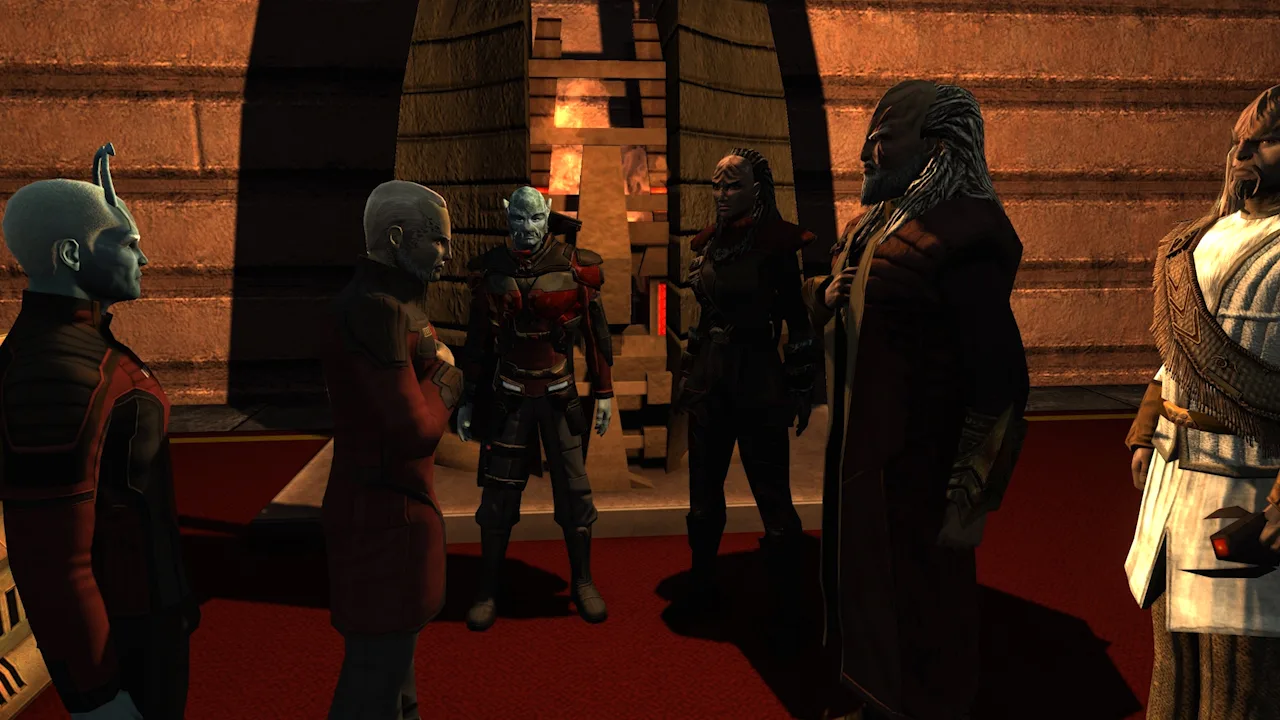 Image: Steam / Cryptic Studios
These early milestones give you access to higher ship tiers:
| Character level | Ship tier | Federation/Klingon token rank | Romulan token rank |
|---|---|---|---|
| 10 | Tier 2 | Lieutenant Commander | Centurion |
| 20 | Tier 3 | Commander | Subcommander |
The token pays for an eligible selection; it does not unlock every ship in that tier. Match the token to the ship’s listed requisition requirement before purchasing.
Examples of ships available through these tokens include:
- Nova Science Vessel: A level-10 Federation Tier 2 ship with two forward and two aft weapon slots.
- Somraw Raptor: A level-10 Klingon Tier 2 ship with three forward weapons, one aft weapon, and dual-cannon compatibility.
- Dhelan Warbird: A level-10 Romulan Tier 2 ship with three forward weapons, one aft weapon, and dual-cannon compatibility.
- Mogai Heavy Warbird: A level-20 Romulan Tier 3 ship with three forward and two aft weapon slots.
Use those layouts to compare your choices. If you want to experiment with dual cannons, inspect the Somraw Raptor or Dhelan Warbird. If you want science bridge officer seating, examine the Nova’s stations before committing your token.
Keep these character rewards separate from account unlocks: a leveling token is awarded to the character that reaches the milestone.
Earn Tier 6 Ships Through Seasonal Events
Summer, winter, and anniversary events are recurring opportunities to earn Tier 6 ships through participation. Their activities differ, but the basic loop is straightforward: complete eligible activities, earn daily progress, and finish the ship’s progress requirement before the event ends.
 Image: Steam / Cryptic Studios
Seasonal ship rewards can be account unlocks, allowing you to reclaim the earned vessel on other characters through the event reward system.
To work toward a ship:
- Open the active event and read its reward and progress requirements.
- Complete an activity that awards the required progress.
- Check the progress display after finishing.
- Continue participating until you can claim the ship.
- Use the event reclaim options when equipping another eligible character.
Summer and winter activities can involve short courses, while anniversary events have used patrols, Task Force Operations, or missions. Follow the active event’s instructions rather than assuming every event uses the same activity.
Additional ship events have also appeared outside those seasonal fixtures. Watch the reward itself: an event announcement does not automatically mean a free starship is attached.
Build Event Campaign Progress Across Multiple Events
An Event Campaign links several participating events into a longer reward track. Completing a participating activity can advance both its individual event and the broader campaign.
 Image: Steam / Cryptic Studios
That makes the campaign worth tracking even when the immediate event reward is something other than a ship.
Campaign reward structures have included premium ship selections, Zen Store ship coupons, and Lobi Crystals. Before choosing a reward, compare two things:
- Ship eligibility: A selection pack or coupon has its own eligible ship pool.
- Unlock scope: A premium ship reward can be character-specific, while ships acquired through applicable Zen Store coupons can unlock across the account.
If you play multiple captains, prioritize account unlocks when choosing between rewards you want. If you are pursuing one particular premium vessel, inspect the selection pack’s contents before opening it.
Read the campaign’s reward menu for that campaign year. Older reward choices and ship eligibility cutoffs belong to their respective campaigns.
Turn Refined Dilithium Into Zen
The Dilithium Exchange provides a longer route to store ships: earn Dilithium through play, refine it, and exchange refined Dilithium for Zen.
You can access the exchange through the resources or assets interface. Place an order for Zen, then use the currency once the exchange completes.
The arithmetic matters. For a ship costing 3,000 Zen, an exchange rate of 500 refined Dilithium per Zen requires:
3,000 × 500 = 1,500,000 refined Dilithium
Using a daily refining budget of 8,000 per character across three characters produces 24,000 refined Dilithium per day. At that pace, reaching 1,500,000 takes approximately 63 days, before exchange waiting time.
Those figures illustrate the workload; your purchase depends on the ship price and exchange rate displayed when you place the order. Exchange orders also take time to fill.
Refine regularly if you choose this route, and count both the currency requirement and the waiting period when planning a purchase.
Buy Ships With Earned Energy Credits
The regular Exchange offers another option: purchase a listed ship using Energy Credits, or EC.
Searching for “T6” can bring up tradable ships associated with Lobi, Lock Box, and promotional rewards. Buying a listed ship lets you work toward a specific purchase price instead of opening boxes yourself.
Tour the Galaxy is one way to earn EC. It challenges you to visit star systems within a time limit and can be run daily per character. Selling loot earned during other activities can also contribute to your ship fund.
Before committing to a purchase:
- Read the exact ship or pack name.
- Compare listings for the same item.
- Decide which captain will receive a character-specific ship.
- Compare the EC grind with available event rewards before spending your balance.
Treat this as a targeted savings project. Pick the vessel you want, then work toward its listed price.
Watch for Ship Giveaways and Coupons
Promotions have offered Tier 6 ships, ship coupons, and additional account items. Some promotional ships unlock through the Zen Store, making them available across the account.
Giveaways are separate from earning event progress. Read each offer’s claim instructions and unlock terms, even if you are already participating in the associated event.
Announcements to look for in the game’s news include:
- Rediscovered Giveaways — September 16, 2026.
- Rediscovered Event — September 21, 2026.
Use the Star Trek Online official website to follow event and giveaway announcements. Check an offer’s dates, eligible platform, and claim requirements before trying to redeem it, and confirm whether the reward is a ship, a coupon, or another item.
Continue with
 Star Trek Online Jem'Hadar Ships: A Captain's GuideExplore Star Trek Online Jem'Hadar ships, from the starting Escort to Vanguard carriers. Compare wingmen, traits, unlocks, and ways to get each vessel.
More in Ships

Star Trek Online Phoenix Prize Pack Best Ship: Top Picks
Star Trek Online phoenix prize pack best ship guide: compare energy weapon consoles, healing tools, and starship traits before spending your Epic token.
Star Trek Online Ships: Tiers, Types, and Build Tips
Explore Star Trek Online ships, compare tiers and ship types, learn how to earn new vessels, and build a focused loadout with weapons and bridge officers.

Star Trek Online Typhoon Temporal Battlecruiser Guide
Explore the Star Trek Online Typhoon Temporal Battlecruiser, including its 5/3 weapons, specialist seating, torpedo trait, console, and unlock options.
Continue exploring

Join the community
Official channels for news, updates and player help: