
Star Trek Online Typhoon Temporal Battlecruiser Guide
Explore the Star Trek Online Typhoon Temporal Battlecruiser, including its 5/3 weapons, specialist seating, torpedo trait, console, and unlock options.
Jump to

What Does the Typhoon Offer?
Five forward weapons give this Starfleet battlewagon plenty of firepower to bring into a fight. The Star Trek Online Typhoon Temporal Battlecruiser combines a 5/3 weapon layout with Temporal Operative and Command seating, plus a torpedo-focused starship trait. Before spending Zen, look closely at how its weapons, specialist abilities, and projectile bonuses fit your intended loadout.
The playable Typhoon turned a longtime NPC ship into a Tier 6 battlecruiser. Its redesigned hull retains connections to the original vessel while adopting the appearance of contemporary 25th-century Starfleet ships.
Despite its Federation appearance, captains of any faction can fly it after completing their tutorial. Its equipment slots and hull scale with level, so a newly created captain does not immediately receive the full endgame configuration.
| Attribute | Full configuration |
|---|---|
| Tier and type | Tier 6 Battlecruiser |
| Weapons | 5 fore, 3 aft |
| Dual cannons | Supported |
| Console slots | 4 Tactical, 4 Engineering, 3 Science |
| Device slots | 3 |
| Hull modifier | 1.4 |
| Hull at level 65 | 63,000 |
| Shield modifier | 1.1 |
| Base turn rate | 9 |
| Impulse modifier | 0.18 |
| Inertia rating | 50 |
| Bonus subsystem power | +10 Weapons, +10 Auxiliary |
In its lore, the Typhoon was considered during Starfleet’s push for super-capital ships but lost the ship-of-the-line role to the Odyssey. Its rugged frame and lower production cost later earned it a place leading combat formations.
Official page: Star Trek Online (playstartrekonline.com)
How to Unlock and Reclaim the Typhoon
The original acquisition route was the 2024 Dimensional Typhoon Special Event, which required 20 Daily Progress. Completing that event unlocked the ship for the entire account.

If you earned that reward, reclaim additional copies through the Events interface:
- Open the Events UI.
- Enter Reclaim Rewards, also called the Event Reclaim Store.
- Claim the Typhoon on the character you want to fly it.
The ship entered Mudd’s Market on March 10, 2026, with a listed price of 17,000 Zen. That provides a purchase route for captains who missed its original event.
Check the active sale price before purchasing. Mudd’s Market periodically offers substantial discounts, so the listed price deserves attention before you commit your Zen.
Klingon-aligned characters do not need the separate Cross Faction Flying unlock to use this particular ship.
Plan Your Weapons Around the Bridge Officer Seats
The Typhoon’s two specialist stations share their ability slots with Engineering and Tactical careers. Its full bridge officer layout is:

| Station | Rank | Specialization |
|---|---|---|
| Engineering | Commander | Temporal Operative |
| Tactical | Lieutenant Commander | Command |
| Science | Lieutenant Commander | — |
| Universal | Lieutenant | — |
| Universal | Ensign | — |
Choose your specialist abilities before filling the remaining career slots. A Temporal ability occupies space in the Commander Engineering station, while a Command ability uses space in the Lieutenant Commander Tactical station.
The five forward weapon slots support an emphasis on forward firepower, and the ship can equip dual cannons. Its three aft slots complete an eight-weapon configuration.
Use the layout to guide your equipment choices:
- For a forward-focused setup, keep your target within the arcs of your fore weapons. This matters when choosing and piloting narrow-arc weapons such as dual cannons.
- For a torpedo-focused setup, account for both the trait and console passives. Piggyback Launch Tubes triggers from torpedo fire, while the included console increases projectile-related skills.
- Use the Universal stations to fill gaps left by specialist choices. Their career flexibility gives you room to adjust the rest of your ability selection.
The ship has no hangar bays. Build around its weapons and bridge officer abilities rather than planning a carrier loadout.
Protonic Snare Projector: Aim the Expanding Net
The included Console – Universal – Protonic Snare Projector supplies both an active attack and passive projectile bonuses.
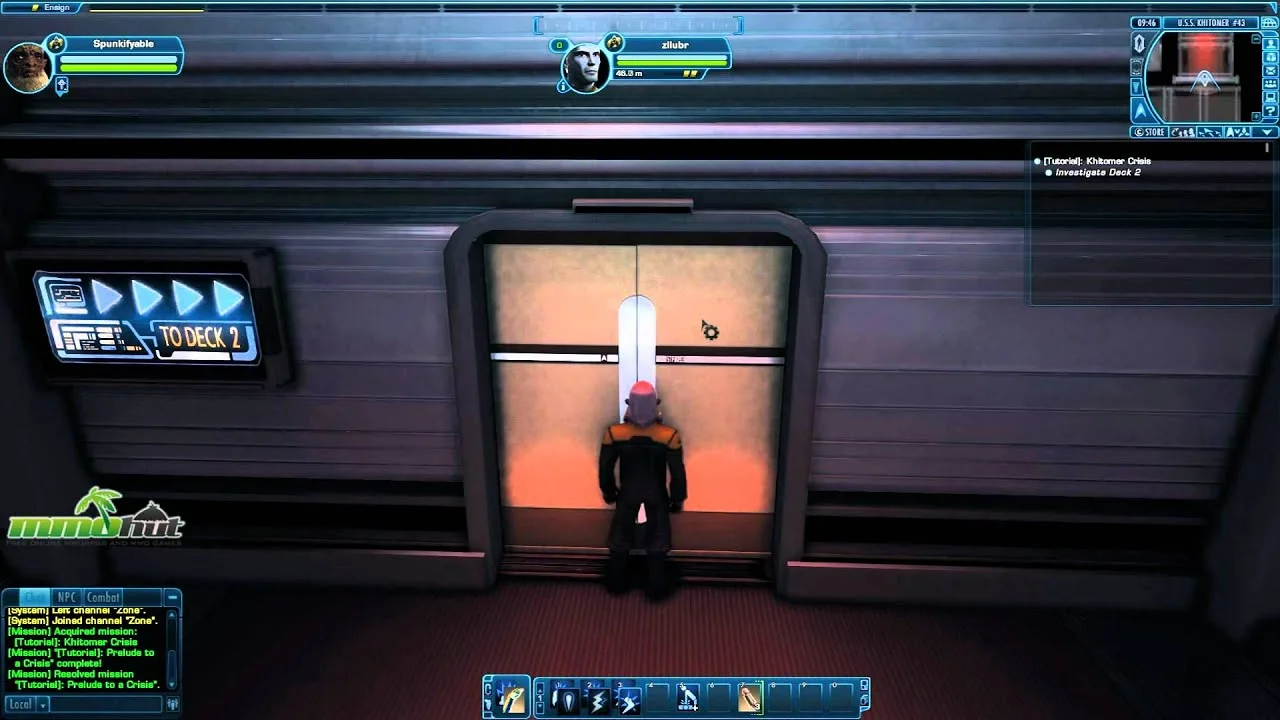
Its active ability, Neptune’s Snare, sends an expanding energy net forward, traveling up to 10 km in the direction your ship faces. Enemies caught by its beams take Proton Damage and suffer a brief hold. Each overlapping beam can deal damage up to three times per second.
Point your ship toward the enemies you want to catch before activating it. The net follows your facing direction, making its launch angle part of using the ability effectively.
The console also increases:
- Starship Projectile Weapon Training
- Starship Projectile Shield Penetration
You can equip the console on any starship and place it in any console slot, but you can only equip one copy at a time. Keep its passive projectile bonuses in mind when deciding whether to reserve a slot for it on another vessel.
Piggyback Launch Tubes and Starship Mastery
At Starship Mastery level V, the Typhoon unlocks Piggyback Launch Tubes.
When you fire a torpedo weapon at an enemy, the trait launches an additional microcharge that deals Kinetic Damage to that target. It also functions while torpedoes use special firing modes.
The targeting restriction matters: the trait fires one additional projectile at your primary target. A firing mode does not turn that microcharge into an extra projectile against every enemy affected.
Include a torpedo weapon if you intend to use this trait; its trigger specifically requires torpedo fire.
The preceding mastery levels provide defensive bonuses and Critical Severity:
| Mastery level | Unlock | Effect |
|---|---|---|
| I | Absorptive Hull Plating | +25 Physical and +25 Kinetic Damage Resistance Rating |
| II | Enhanced Weapon Banks | +15% Critical Severity |
| III | Enhanced Hull Plating | +25 All Energy and +25 Radiation Damage Resistance Rating |
| IV | Armored Hull | +10% Hull Hitpoints |
| V | Piggyback Launch Tubes | Additional Kinetic Damage microcharge when firing torpedoes |
Molecular Reconstruction and Cruiser Commands
The Typhoon includes Molecular Reconstruction, giving you configurations with different benefits and penalties.
Offensive Configuration increases maximum Engine Power, turn rate, and flight speed while reducing incoming hull healing. Use its movement bonuses when you need to reposition or bring forward weapons onto a target.
Defensive Configuration increases maximum Shield Power and incoming hull healing while reducing turn rate and flight speed. Account for that movement penalty before switching while trying to line up a firing arc.
The exotic-focused configuration increases maximum Auxiliary Power, Exotic Damage, and Control Strength while reducing Energy Weapon Damage. Match that tradeoff to the abilities and weapons you actually equipped.
Each configuration generates its own counters, which fuel the Molecular Deconstruction Beam. That beam delivers scaling Physical Damage over time, heals your hull, and disables its target.
The Cruiser Command Array also provides Shield Frequency Modulation, Weapon System Efficiency, and Strategic Maneuvering. Choose the command that supports your immediate combat needs alongside your selected reconstruction configuration.
T6-X and T6-X2 Upgrade Costs
Experimental upgrades expand the Typhoon beyond its standard configuration:
- T6-X: Requires one Experimental Ship Upgrade Token.
- T6-X2: Requires two additional tokens, for three total.
Across both upgrades, the ship gains two additional device slots, two Universal console slots, and two additional starship trait slots.
Plan the additional console and trait choices before spending tokens. Those extra slots give you more room to support the weapon setup and specialist abilities you have already chosen.
Continue with
 Star Trek Online Phoenix Prize Pack Best Ship: Top PicksStar Trek Online phoenix prize pack best ship guide: compare energy weapon consoles, healing tools, and starship traits before spending your Epic token.
More in Ships
See all Ships
Continue exploring
Star Trek Online Worth Playing 2026? A Player's Guide
Star Trek Online worth playing 2026? Explore its solo stories, ship combat, endgame grind, and free-to-play costs before you commit your time or money.

Star Trek Online How to Get Lobi Crystals: Free & Paid
Star Trek Online how to get Lobi Crystals guide: explore lock boxes, promotional packs, event rewards, and store bundles, plus ways to spend less on ships.
Join the community
Official channels for news, updates and player help: