
Star Trek Online Worth Playing 2026? A Player's Guide
Star Trek Online worth playing 2026? Explore its solo stories, ship combat, endgame grind, and free-to-play costs before you commit your time or money.
Jump to
Is Star Trek Online Worth Your Time in 2026?
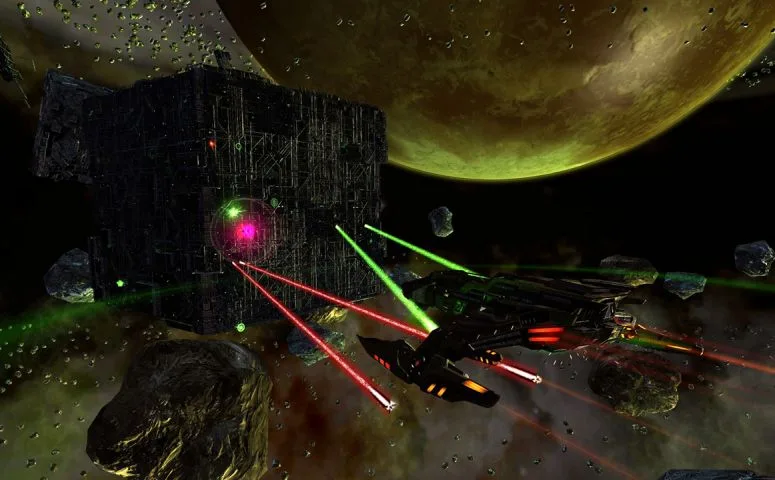
Commanding your own starship is appealing; inheriting a mountain of daily chores is less exciting. If you're asking “Star Trek Online worth playing 2026?”, the answer is yes for Star Trek stories and customizable space combat, with more patience required for ambitious endgame builds. Decide which experience you want before committing your time or money.
Star Trek Online makes a stronger case for itself when you enjoy episodic adventures, familiar characters, and experimenting with ships. Much of its story content works solo, so you can explore the galaxy without organizing a regular group.
The harder sell is its combination of aging ground combat, crowded menus, premium purchases, and progression systems that reward repeated play. If your priority is a steady cycle of coordinated raids and replacement gear, its endgame offers a different rhythm: improve your build, tackle harder Task Force Operations, collect rewards, and choose your next project.
The Stories Give Star Trek Fans a Reason to Start
The main setting begins in 2409, with a fractured Romulan Empire, renewed Federation–Klingon conflict, and threats spreading across familiar territory. Your starting faction provides its own introduction before the narrative moves into shared story arcs.
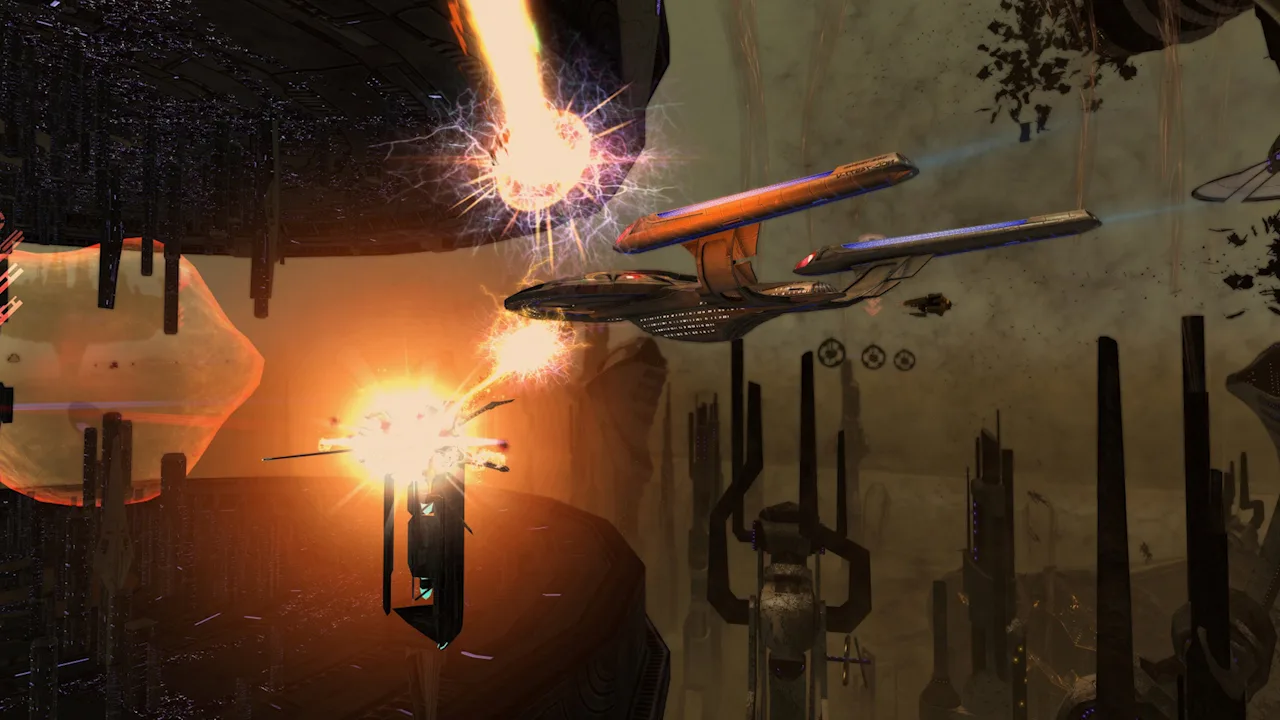 Image: Steam / Cryptic Studios
That structure lets you choose an opening that matches the part of Star Trek you enjoy:
- Starfleet: Begin with the Federation and use Earth Spacedock as your main faction hub.
- TOS Starfleet: Start in the era of The Original Series, with classic settings and presentation.
- DSC Starfleet: Begin in the Discovery era with an introduction connected to that setting.
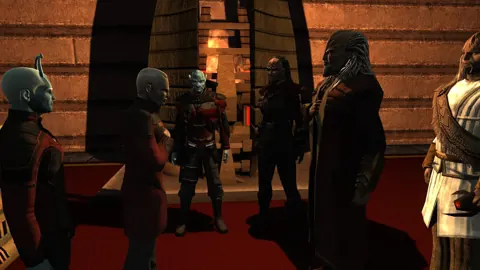
- Klingon Defense Force: Experience a Klingon opening involving conspiracy and conflict.
- Romulan Republic: Follow an introduction that takes your character from civilian life toward starship command.
- The Dominion: Start with an advanced Jem'Hadar character rather than a conventional beginner progression.
For a first character, choose a setting you want to explore. Leave the Dominion opening for later if you want a gentler introduction; its advanced start gives you more systems to handle immediately.
Returning performers help connect these adventures to the shows. Characters include Kathryn Janeway, Worf, Kira Nerys, Seven, and Quark, with their actors reprising their roles. Familiar locations such as Deep Space Nine also give the missions an appeal beyond collecting the next equipment reward.
Play through the opening episodes before deciding whether the game clicks. Their mix of dialogue, travel, away missions, and space battles represents the experience more clearly than browsing the ship store.
Space Combat Carries the Gameplay
The official website advertises over 600 ships spanning the shows and movies. Ship appearance, weapons, and bridge officer choices all contribute to customization, but the differences extend beyond looks.
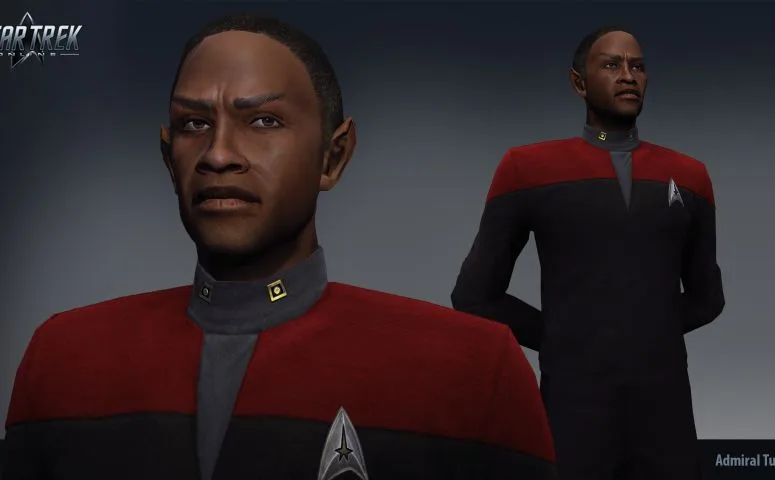 Image: Steam / Cryptic Studios
Cruisers can deliver broadside attacks, escorts offer a more agile fighting style, and science vessels emphasize abilities that manipulate the battlefield. Carriers and specialized ships add further options.
Positioning matters in space combat. Bridge officer abilities add another layer, letting you combine weapon attacks with repairs, shield support, and offensive powers.
Learn your bridge officer stations before shopping for a replacement ship. A ship's seating determines which officer abilities you can use. Commission officers whose careers match those stations, train suitable powers, and assign those powers in the stations menu.
Ground combat is a weaker reason to install. Away missions deliver story and atmosphere, but their movement and combat can feel stiff and dated. Expect to alternate between the stronger space battles and more basic encounters on foot.
If responsive ground action is your main requirement, that difference will matter throughout the campaign.
What Do You Actually Do at Endgame?
Reaching level 65 does not end progression. It shifts your attention toward reputation equipment, specializations, account bonuses, and the details of your build.
 Image: Steam / Cryptic Studios
Several systems become available before the level cap:
| System | Unlock level | What it adds |
|---|---|---|
| Reputations | 50 | Projects that advance factions and unlock equipment and traits |
| Specializations | 50 | Additional progression paths using specialization points |
| Admiralty | 52 | Ship assignments that return rewards over time |
| Endeavors | 60 | Tasks that build account-wide passive bonuses |
| Character level cap | 65 | Continued development through the systems above |
Task Force Operations, usually shortened to TFOs, provide cooperative missions and reputation marks. You spend those marks on reputation projects, then work toward equipment for your chosen build. Higher difficulties give that improved equipment somewhere to go.
You can queue for cooperative activities without first joining a fleet, the game's guild equivalent. Fleet membership adds another route to ships and equipment through contributions and fleet holdings.
Other goals are more personal: build a themed crew, experiment with a different weapon setup, customize uniforms, or develop another captain. Buying a Tier 6 ship leaves plenty of decisions about equipment, traits, and officer abilities.
Choose one build goal and work backward from its requirements. Spreading resources across unrelated ships and equipment makes an already complicated progression system harder to manage.
Free-to-Play Works Better for Stories Than Collecting Everything
You can enjoy a substantial solo campaign without buying premium ships. Equipment and ships earned through progression give you room to learn the game before spending.
Purchases become more tempting when you want specific starships, premium build components, additional inventory space, or faster access to a particular setup. Paid items can affect combat performance; the store extends beyond cosmetics.
The main currencies serve different purposes:
- Energy credits: Used for everyday purchases and player trading through the Exchange.
- Dilithium: Earned through play and refined for equipment, upgrades, and other purchases.
- Zen: Premium currency used for ships, unlocks, and store items.
- Reputation marks: Used to advance reputations and obtain their rewards.
The standard dilithium refinement limit is 8,000 ore per character per day. Refined dilithium can be exchanged with other players for Zen, but that route takes both resources and patience. Building a purchase plan around immediate Zen delivery on PC can leave you waiting.
Events offer another path to rewards, including ships, through participation. Their scheduled progress requirements can also turn optional play into an obligation.
Read the current event's eligibility rules, qualifying activities, and completion requirement before committing. Do not rush through the campaign because an old event discussion mentions a ship that was available then.
Leave lockboxes unopened unless you deliberately want to engage with that system. Opening them requires keys, which can be purchased with money or acquired from other players through the Exchange.
What Does 2026 Add to the Decision?
The September 21, 2026 Rediscovered Event announcement was followed by What Do You Have to Fear? on October 16, 2026. Updates and events continued into the fall, giving returning captains more to explore than an unchanged backlog.
Rediscovered centers on temporal disturbances and the disappearances of Lieutenant Miral Paris and Ambassador B'vat. Its story returns to 2409 and follows a chase through Star Trek history involving Spock.
The Undiscovered update also reworked Deep Space Encounters into short, randomized activities. Their situations include fighting waves, supporting allies, and defending locations, with encounters spread through the Alpha, Beta, and Delta Quadrants.
These encounters offer another way to earn Endeavor experience alongside the usual daily tasks. For a returning player who enjoys smaller activities between episodes, they add a reason to spend time in sector space.
Continued updates give you fresh activities to try. They do not remove the learning curve created by the game's accumulated menus, currencies, and equipment systems.
How to Start Without Getting Buried in Systems
Download Star Trek Online on Steam or use the official Star Trek Online website, then keep your opening sessions focused:
- Choose a faction for its setting. Pick the introduction you want to play before worrying about optimizing racial traits.
- Complete the tutorial and follow the episode list. The mission journal provides a clearer route through the story than accepting every available assignment at once.
- Try different free ship types while leveling. Ship tokens arrive at 10-level milestones through level 40, giving you opportunities to compare cruisers, escorts, and science vessels.
- Fill your bridge officer stations. Match officers to the available seats and equip abilities that support your weapons and survival.
- Start reputations at level 50. Earn marks through suitable activities and begin projects for equipment your build needs.
- Try normal-difficulty TFOs before pushing higher. Learn the objectives and check how your ship performs before increasing the challenge.
- Delay premium purchases until you understand your preferred ship style. Choose a purchase around a build you enjoy flying.
If you are returning after years away, replay a faction introduction on a new captain to relearn the controls and menus. Keep your established character available while you get comfortable again, then decide which captain you want to develop.
Continue with
 Star Trek Online Beginners Guide 2026: Your First StepsStar Trek Online beginners guide 2026: choose your faction, claim free ships, improve combat, and learn which currencies and systems deserve your time.
More in Guide
See all Guide
Continue exploring
Join the community
Official channels for news, updates and player help: