
Star Trek Online Omni Directional Beam Array Guide
Master the Star Trek Online omni directional beam array: learn equip limits, compatible pairs, crafting requirements, and upgrades for your beam build.
Jump to
What Does an Omni-Directional Beam Array Do?
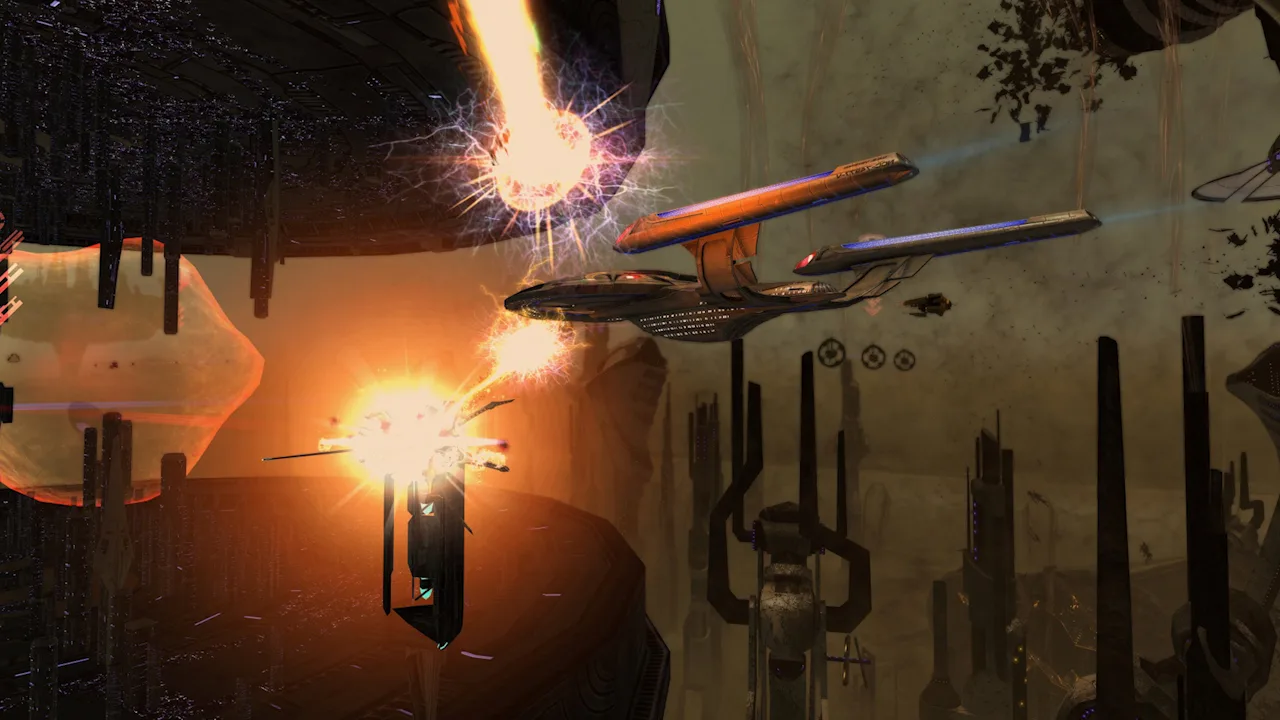
A Star Trek Online omni directional beam array lets an aft weapon keep firing while your ship faces its target. Its permanent [Arc] modifier provides a 360° firing arc while preserving standard beam-array functionality. For forward-facing beam builds, that means an aft slot can contribute without forcing you to turn sideways.
Omnis work with beam firing modes such as Beam Overload and Fire at Will. Unlike turrets, which trade lower base damage for all-around coverage, omni beams retain the base damage of normal beam arrays.
Their firing arc also helps while maneuvering between targets. However, 360° coverage does not remove weapon-power demands: the crafted weapon’s listed power cost is -10 Weapon Power while firing.
Official page: Star Trek Online (playstartrekonline.com)
How Many Omni Beams Can You Equip?
 Image: Steam / Cryptic Studios
You can equip a maximum of two omni-directional beam arrays, and you cannot equip duplicate copies of the same item. The set and non-set restrictions also determine which two weapons can share a loadout.
The standard pairing uses one weapon from each group:
| Equip group | Common examples | Compatible second omni |
|---|---|---|
| Non-set | Crafted omnis and non-set lock box omnis | A set omni |
| Set | Mission, reputation, and Lobi set omnis | A non-set omni |
Two different crafted omnis do not bypass the restriction. A crafted omni and a non-set lock box omni also occupy the same group, even when their names or damage types differ.
Likewise, two set omnis can conflict. The Advanced Inhibiting Phaser omni and the Trilithium phaser omni cannot be paired under these rules.
Before spending resources:
- Read both weapons’ equip restrictions.
- Check set membership rather than relying only on the weapon’s name.
- Match the energy type to the damage bonuses your build already uses.
- Confirm the pairing before investing in upgrades.
Discussions about allowing any two omnis do not change the two-weapon cap. Build around a compatible pair rather than planning for a third or fourth beam array.
The Morphogenic Weapon Counts Toward the Limit
The Morphogenic Polaron Energy Weapon from “Home” counts as an omni for equip restrictions, despite lacking “Omni-Directional” in its name.
It can behave as a beam or turret depending on the firing mode, but it still occupies the mission/set side of the pairing. Combine it with a compatible crafted or non-set lock box omni rather than another set omni.
Where to Get Omni-Directional Beam Arrays
Crafting, mission rewards, lock boxes, events, and the Lobi store all offer variants. Their damage types, special effects, and acquisition costs give you several ways to fill those limited slots.
 Image: Steam / Cryptic Studios
| Weapon | Acquisition | Distinctive effect |
|---|---|---|
| Ancient Omni-Directional Antiproton Beam Array | “Sphere of Influence” | +20% Critical Severity |
| Omni-Directional Antichroniton Infused Tetryon Beam Array | “Butterfly” | Chance to deal shield-bypassing Tetryon damage, with enhanced effects against Heralds |
| Omni-Directional Agony Phaser Beam Array | Mirror Incursion Lock Box | Chance to disable a target and apply shield-bypassing Phaser damage over time |
| Omni-Directional Altamid Modified Plasma Beam Array | 200 Lobi Crystals | 2.5% chance to reduce Plasma and Kinetic Damage Resistance Rating by 15 for 15 seconds |
| Omni-Directional Ba'ul Linked Sentry Antiproton Beam Array | 200 Lobi Crystals | Each shot chains to an additional target for 5% of attack damage, with a 0.5-second recharge |
| Breen Omni-Directional Cryonic Beam Array | Holiday Item Vendor | 2.5% chance to take engines and shields offline for 5 seconds |
The Omni-Directional Herald Antiproton Beam Array was a reward from the 2024 Demon Hunting Featured Event. Its effect has a 2.5% chance to grant +7% Bonus Energy Damage for 20 seconds, stacking up to three times.
Choose an energy type and compatible pairing before comparing special effects. A weapon’s proc does not override its equip restrictions.
How to Craft an Omni Beam
Crafting a basic-proc omni requires level 15 in the Beams R&D School, the necessary components, and at least a Common R&D Beams Specialist Duty Officer.
 Image: Steam / Cryptic Studios
The resulting weapon is a Very Rare Mk XII omni with [Acc] [Arc] [Dmg] modifiers.
Gather these components:
| Component | Quantity |
|---|---|
| Focusing Lens | 4 |
| Targeting Interface | 4 |
| Emitter Module | 2 |
| EPS Conduit | 2 |
| Firing Sequencer | 2 |
| Power Surge Regulator | 2 |
| Isolinear Circuitry | 4 |
| Isolinear Chip | 3 |
Crafted options include Antiproton and Disruptor variants. The Antiproton version carries +20% Critical Severity. The Disruptor version has a 2.5% chance to apply -10 All Damage Resistance for 15 seconds.
If your Beams School has not reached level 15, look for a crafted omni on the Exchange instead of planning around a recipe you cannot yet make.
Upgrading and Re-Engineering Your Omni
Omni beams accept Beam Weapons Tech Upgrades and Universal Tech Upgrades. Increasing quality adds modifiers, but it does not change the weapon’s equip group or remove the two-omni limit.
For the standard crafted weapon:
- Very Rare: Three modifiers, including the permanent [Arc].
- Ultra Rare: A fourth modifier is added.
- Epic: A fifth, combined modifier is added.
The [Arc] modifier cannot be re-engineered. Keep it in mind when comparing modifier counts: one slot supplies the weapon’s 360° coverage.
The standard modifiers available at Ultra Rare include:
| Modifier | Effect |
|---|---|
| [Acc] | +10 Accuracy Rating |
| [CrtD] | +20% Critical Severity |
| [CrtH] | +2% Critical Chance |
| [Dmg] | Increased damage |
Epic energy weapons receive [Ac/Dm], which combines accuracy and damage. Re-engineering options for that combined slot include [Ac/CrtD], [Ac/CrtH], [CrtD/Dm], [CrtH/CrtD], and [CrtH/Dm].
Choose modifiers around your build’s accuracy and critical stats. Avoid chasing an older crafting roll: Pen, Over, Rapid, Snare, and Thrust were removed from the Ultra Rare modifier pool, although older crafted weapons can still carry them.
Filling Aft Slots After Two Omnis
On a ship with three aft weapon slots, two omnis leave one slot to solve. A four-aft layout leaves two. The remaining choice depends on whether you need forward coverage, beam firing-mode support, or another weapon type for a specific interaction.
Kinetic Cutting Beam
The Kinetic Cutting Beam comes from the Omega reputation and can be equipped alongside two omnis because it does not count as an omni-directional beam array.
It has a 360° arc and deals Kinetic damage, but it does not benefit from firing-mode abilities. Beam Overload will not enhance it, and Fire at Will will not turn it into a multitarget weapon.
Use it only after accounting for that difference. A rear loadout containing two omnis and a Kinetic Cutting Beam provides three weapons with all-around coverage, but only two are ordinary omni beams.
Turrets and Other Alternatives
Turrets also have 360° coverage, but they are cannon weapons. They do not share ordinary beam firing modes. Mixed Armaments Synergy and specialization firing modes such as Surgical Strikes create specific reasons to mix weapon types.
The Lobi micro missile array offers another 360° option. It deals Kinetic damage and does not benefit from firing modes, so it also requires different support from your beam arrays.
For a broadside loadout, consider a standard beam array in the remaining aft slot and position the ship to bring it onto the target. For a forward-facing build, compare each alternative’s firing-mode compatibility before choosing it solely for its 360° arc.
Continue with
 Star Trek Online Where Do You Get Dark Matter TorpedoStar Trek Online where do you get dark matter torpedo? Find its reputation route, weapon effects, equip limits, and tips for fitting it into your build.
More in Weapons
Star Trek Online Best Ground Weapons 2026: Top Picks
Explore Star Trek Online best ground weapons 2026, from plasma rifles to Lobi cannons. Compare Borg counters, attacks, and gear before spending resources.
Star Trek Online Experimental Weapons: Slots & Upgrades
Explore Star Trek Online experimental weapons, compatible ships, free reclaim gear, damage types, and upgrade modifiers to plan your next escort loadout.
Continue exploring
Star Trek Online Space Trait for Engineer: Top Picks
Find the right Star Trek Online space trait for engineer builds, from free career options to premium cooldown and damage boosts for beam and cannon ships.
Star Trek Online Best Space Reputation Traits Guide
Choose Star Trek Online best space reputation traits for beams, cannons, and exotic builds. Compare crit bonuses, healing, unlocks, and active abilities.
Join the community
Official channels for news, updates and player help: