
Star Trek Online System Requirements: Can You Run It?
Compare Star Trek Online system requirements for minimum and recommended PCs, including Windows, RAM, graphics, DirectX, and storage before you download.
Jump to

What Does Your PC Need to Run Star Trek Online?
Check your PC before taking the captain’s chair. The Star Trek Online system requirements start at 64-bit Windows 10 or 11, a Core 2 Duo 2.2 GHz processor or AMD equivalent, and 4 GB of RAM. Graphics compatibility matters too: your GPU needs Direct3D hardware feature level 11, so check its exact model before downloading.
The minimum and recommended specifications give you two hardware targets:
| Component | Minimum | Recommended |
|---|---|---|
| Operating system | Windows 10 or 11, 64-bit | Windows 10 or 11, 64-bit |
| Processor | Intel Core 2 Duo 2.2 GHz or equivalent AMD CPU | Intel Core i5-6xxx quad-core or better |
| Memory | 4 GB RAM | 6 GB RAM or better |
| Graphics | NVIDIA GeForce GTX 4xx, ATI/AMD Radeon HD 5xxx, or Intel HD Graphics 4xxx; Direct3D hardware feature level 11 | NVIDIA GeForce GTX 9xx or AMD Radeon RX 4xx or better |
| DirectX | Version 11.0 | Version 11.0 or better |
| Storage | 21 GB | 21 GB |
| Network | Broadband internet connection | Broadband internet connection |
| Audio | DirectX 11-compatible sound chip or onboard audio with the latest sound drivers | DirectX 11-compatible sound chip or onboard audio with the latest sound drivers |
Use the minimum column to assess an older computer. For a system that meets the recommended hardware target, compare the processor, memory, and graphics card individually.
Check Your Processor and Graphics Card Carefully
The CPU requirements move from a Core 2 Duo at the minimum to a Core i5-6xxx quad-core at the recommended level. Compare your full processor model with those targets rather than relying on the “Core i5” name alone. The recommended specification includes both a processor family and a core count.

Apply the same care to your graphics card. The minimum options include older dedicated NVIDIA and AMD cards, plus Intel HD Graphics 4xxx integrated graphics. Integrated graphics are therefore an option, but the exact model and hardware feature support matter.
DirectX 11.0 and Direct3D hardware feature level 11 are separate checks. Compare your GPU against the minimum graphics options and check for Direct3D hardware feature level 11. Check both before treating your graphics setup as compatible.
For a laptop, compare the actual CPU and GPU models with the requirements. A laptop’s product name alone does not tell you whether its components meet either target.
Plan for RAM, Storage, and an Internet Connection
The memory requirement is 4 GB minimum, rising to 6 GB or better recommended. Compare your installed memory with the minimum or recommended RAM target, then check the separate 21 GB storage requirement.
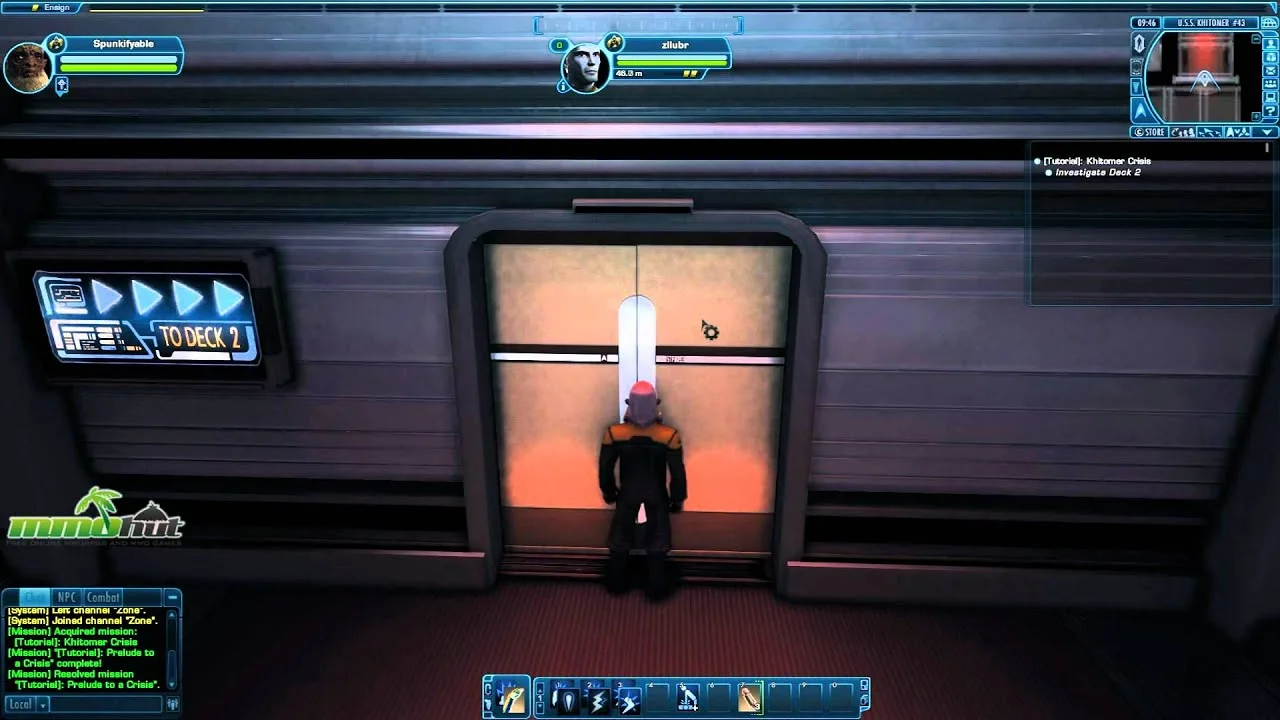
Both hardware targets specify 21 GB of storage. Check free space on the drive where you intend to install the game, rather than looking only at the drive’s total capacity.
Broadband internet is required at both levels. Star Trek Online is an MMO with multiplayer and cooperative play, so include your connection in the readiness check alongside your hardware.
Audio requirements stay the same across both targets: a DirectX 11-compatible sound chip or onboard audio capability with the latest sound drivers. Check your audio drivers along with graphics compatibility before starting.
Windows Compatibility and Where to Download
The PC version supports 64-bit Windows 10 and Windows 11. Native macOS and Linux versions are not supported. When assessing an older Windows computer, check the operating system and whether it is 64-bit before comparing the remaining components.
 Image: Steam / Cryptic Studios
Once your PC meets the requirements, you can download Star Trek Online on Steam. It is free to play, with optional in-app purchases.
The game includes both starship combat and ground-based away missions, along with captain, crew, and ship customization. Steam also includes full controller support, giving you another control option when you begin your career.
Continue with
 Star Trek Online Unable to Establish Connection to Patch ServerStar Trek Online unable to establish connection to patch server? Try launcher settings, firewall checks, and connection troubleshooting to get back in.
Popular pages
Star Trek Online NX Escort Refit Stats And Builds Guide
Explore Star Trek Online NX Escort Refit stats and builds, including hull values, console slots, Preferential Targeting, and focused weapon setup tips.
Star Trek Online Phoenix Prize Pack Best Ship: Top Picks
Star Trek Online phoenix prize pack best ship guide: compare energy weapon consoles, healing tools, and starship traits before spending your Epic token.
Star Trek Online Beyond the Nexus Mission Walkthrough
Complete Star Trek Online Beyond the Nexus mission with a step-by-step walkthrough covering ship battles, security puzzles, rewards, and both accolades.
Star Trek Online Reddit: A Guide to Better Questions
Use Star Trek Online reddit to frame clearer questions about factions, ship customization, and story content. Find the details to include before you post.
Join the community
Official channels for news, updates and player help: